Referral safety guide
Are Referral Codes Safe? How to Spot Referral Scams in Australia
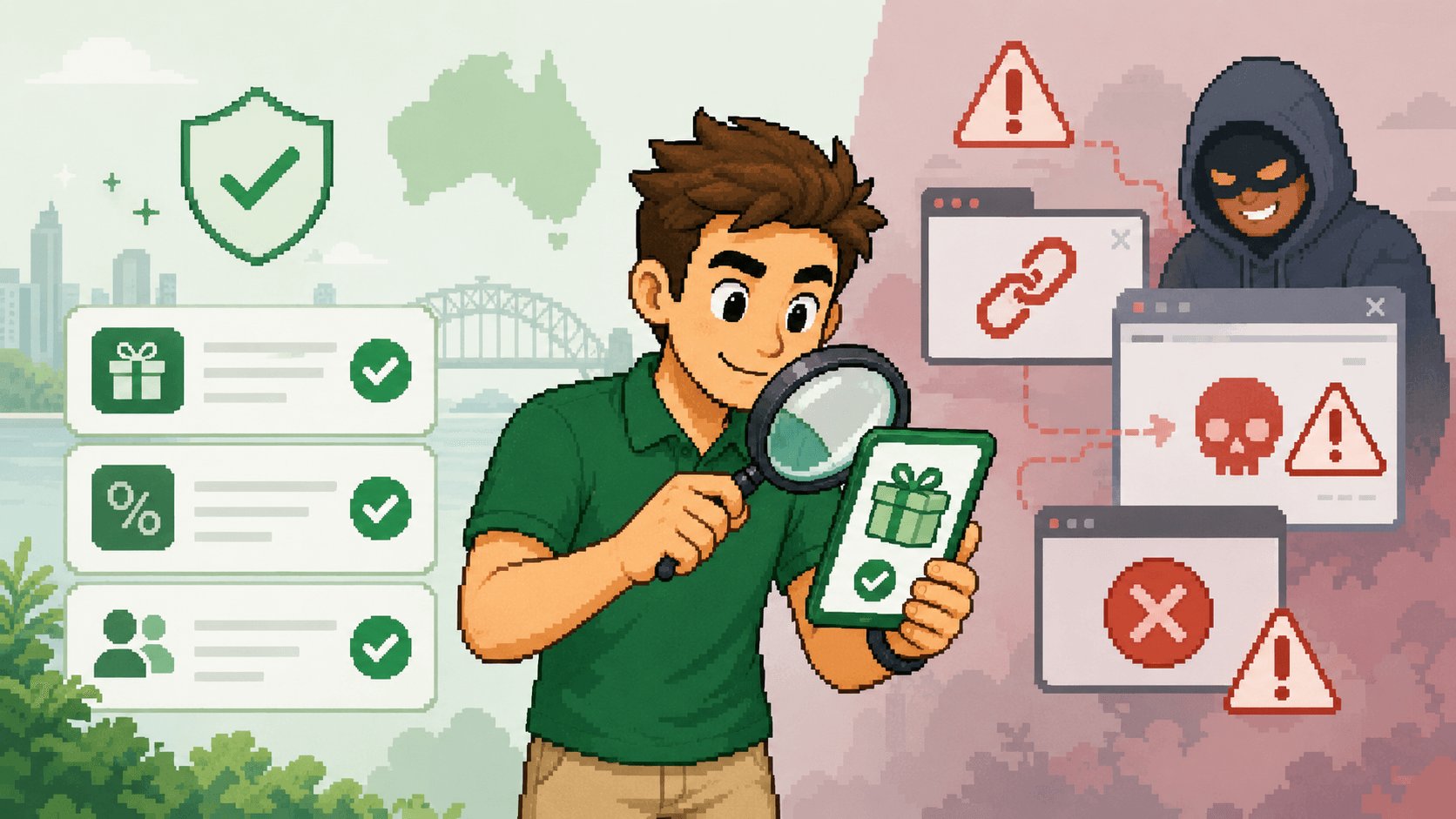
A referral code is normally a harmless identifier, but a fake website, misleading offer or malicious referral link can put your money and personal information at risk. Verify the provider and destination before you sign up.
Browse this guide
Are referral codes safe?
Most referral codes from legitimate companies are safe to use. A code is usually a short string that tells a provider which customer or campaign introduced you. Entering that code in the provider's genuine app or website does not normally give the referrer access to your device, password, payment details or account.
The important distinction is between the code and everything around it. A scammer can copy a real brand's logo, invent a reward, disguise a link or direct you to a fake signup page. The code may look ordinary while the website collecting your information is not genuine.
This matters because impersonation websites have become increasingly sophisticated. MoneySmart reports that ASIC coordinated the removal of 11,964 phishing and investment scam websites in 2025. Its guidance recommends checking the exact website address and being cautious with shortened links.
Simple rule: judge the provider, offer and destination—not just the referral code. If you cannot independently confirm all three, do not enter personal or financial information.
Referral code versus referral link: where is the risk?
A plain referral code such as a sequence of letters and numbers is usually low risk. You copy it, visit the provider independently and enter it in the official referral field. The code's role is attribution.
A referral link combines attribution with navigation. Legitimate providers use unique links to apply an invite automatically, but links can also redirect, hide their final destination or lead to a convincing impersonation page. That makes the destination more important than the words used to describe the link.
| Method | Normal function | What to check |
|---|---|---|
| Referral code | Identifies the referrer or campaign | Enter it only in the verified provider app or website |
| Referral link | Opens a tracked signup journey | Inspect the full destination and any redirects |
| QR code | Encodes a link for mobile access | Preview the URL before opening it |
Referral links are also different from affiliate links and public discount codes. Our referral code versus promo code guide explains how they are issued and who receives the benefit.
Eight warning signs of a referral scam
No single sign proves that an offer is fraudulent. Several signs together—or any request for account security information—should make you stop.
The address does not match the brand
Misspellings, extra words, unusual domain endings or a copied logo on an unrelated domain can indicate impersonation.
The link hides its destination
An unexplained shortened URL, QR code or redirect makes the final website harder to inspect before you open it.
The message creates urgency
Claims that a reward expires in minutes or that you must act immediately are designed to prevent careful checking.
The reward is implausibly large
A guaranteed return, unusually valuable bonus or reward far above the provider's public campaign deserves extra scrutiny.
You are asked for a password or one-time code
A referrer does not need your password, PIN, recovery phrase or multi-factor authentication code to receive credit.
You must pay the referrer first
Requests for a release fee, tax, PayID transfer or crypto payment to unlock a referral reward are not normal signup steps.
The offer has no clear terms
A real campaign should explain eligibility, qualifying actions, timing, limits and who provides the reward.
The contact moves away from official support
Be wary when someone insists on private messages, remote access software or support through an unrelated social account.
ACMA warns that fake rewards messages commonly create urgency and send people to an incorrect website address to steal login or financial details. Do not rely on a familiar logo or sender name as proof.
How to check a referral offer before signing up
- 1
Inspect the destination
On desktop, hover over the link. On mobile, press and hold to preview it. Read the full hostname carefully, not just the brand name elsewhere in the message.
- 2
Find the provider independently
Open the known official app or type the provider's address yourself. Search its help centre for the referral program rather than trusting the supplied link alone.
- 3
Compare the current offer
Check whether the reward, deadline and qualifying steps match the provider's published terms. Old codes can be genuine but expired.
- 4
Check who receives what
Understand whether the new customer, referrer or both receive a benefit, and whether the reward is cash, credit, a discount or a conditional asset.
- 5
Review the product itself
A genuine bonus does not make an unsuitable product worthwhile. Compare fees, subscription renewal, lock-in periods, investment risk and cancellation rules.
- 6
Keep evidence
Save the offer terms, referral code, destination and date before signing up. This helps if tracking fails or the advertised conditions later change.
A padlock icon and HTTPS connection encrypt traffic to a site, but they do not prove the operator is trustworthy. Scam websites can also use HTTPS. The domain, provider confirmation and offer terms still need to make sense.
If you are unsure, contact the provider through details found independently in its official app, bill or known website. Do not use the phone number or support link supplied in the suspicious message.
What information is safe to provide?
Creating a legitimate account can require personal information. The safest approach is to decide whether the provider genuinely needs each item and to submit it only through a verified official channel.
| Information | Referral safety | Precaution |
|---|---|---|
| Referral code | Usually safe to enter in the provider's official app or website | It generally identifies the referrer or campaign. |
| Your name and email | Common during legitimate signup | Provide them only to the verified provider, not directly to a stranger. |
| Identity documents | May be required by regulated financial services | Upload only through a verified official process after checking the provider. |
| Card or bank details | May be required for a real purchase or account | Confirm the product, amount, domain and payment recipient first. |
| Password or PIN | Never share with the referrer | Enter credentials only in the genuine app or website and use a unique password. |
| One-time security code | Never share with the referrer | A request for an authentication code can be an attempt to take over an account. |
| Crypto seed phrase | Never share | A legitimate referral process does not require wallet recovery words. |
Take extra care with financial and crypto offers
Banking, investing and cryptocurrency referral programs can be legitimate, but a mistake may expose more than a small signup discount. An impersonation page may seek identity documents, bank credentials or a transfer, while an investment scam may use a referral reward to make an unsuitable or fraudulent product appear credible.
Confirm the business independently, understand the underlying product and never treat a bonus as proof that an investment is safe. Be especially cautious if a stranger promises guaranteed returns, offers to manage the account, asks you to share your screen or directs you to transfer money to a person rather than the verified provider.
Compare current listings through ReferralMate's banking, investing and crypto comparisons, then confirm the latest terms with the provider.
What to do after clicking a suspicious referral link
If you only opened the page
Close it, do not download anything, and run available browser or device security updates. Review the URL and report the page if it impersonates a provider.
If you entered a password
Go to the genuine service independently, change the password immediately, sign out other sessions and enable multi-factor authentication.
If you shared a security code
Contact the affected provider immediately. Review recent sign-ins, transactions and account recovery details.
If you entered card or bank details
Contact your financial institution using its official number, explain what happened and follow its fraud team's instructions.
If you sent money or crypto
Contact the payment provider or exchange immediately. Do not send more money to recover the first transfer.
Report the incident
Use ReportCyber for cybercrime and Scamwatch to report a scam. Keep messages, links, transaction details and screenshots as evidence.
The Australian Signals Directorate provides current phishing guidance, including reporting through ReportCyber. Scamwatch also explains how to report a scam.
How to use ReferralMate safely
ReferralMate helps Australians discover referral offers and displays approval or verification information where available. Listings can still change, expire or be replaced by the provider, and ReferralMate does not control a third-party website or app.
Before signing up, confirm the brand, inspect the destination, read the provider's current terms and decide whether the underlying product suits you without the reward. Never share a password, PIN, one-time code, recovery phrase or identity document with the person whose code you use.
- Check the listing's last verified information.
- Confirm the reward on the provider's official channel.
- Read eligibility and qualifying requirements.
- Save the offer terms before creating an account.
- Report a suspicious, expired or misleading listing.
- Use unique passwords and enable multi-factor authentication.
Australian safety resources
- MoneySmart: How to spot a scam website
- ACMA: Watch out for loyalty points scams
- Cyber.gov.au: Phishing
- Scamwatch: Report a scam
This guide provides general online-safety information and is not legal, financial or cybersecurity advice.
Frequently asked questions
Check the offer before you sign up
Browse current referral listings, compare the conditions and verify the provider's latest terms before sharing personal information.
Browse referral codes
Are public referral codes on social media safe?
A publicly posted code is not automatically unsafe. Many customers share legitimate codes in communities, videos and social posts. However, popularity, comments and screenshots can be manipulated, and an old post may describe a campaign that has changed or ended.
Prefer copying a plain code and navigating to the provider independently. If the offer works only through a link, inspect the destination first. Do not send the poster identity documents, account screenshots, security codes or money, even if they claim this is necessary to confirm the referral.
Also check whether public sharing is allowed. Some programs restrict referrals to people the customer knows or prohibit advertising a personal code. A working code can still be ineligible under the campaign rules.