Referral code help
Forgot to Use a Referral Code? What to Do After Signing Up
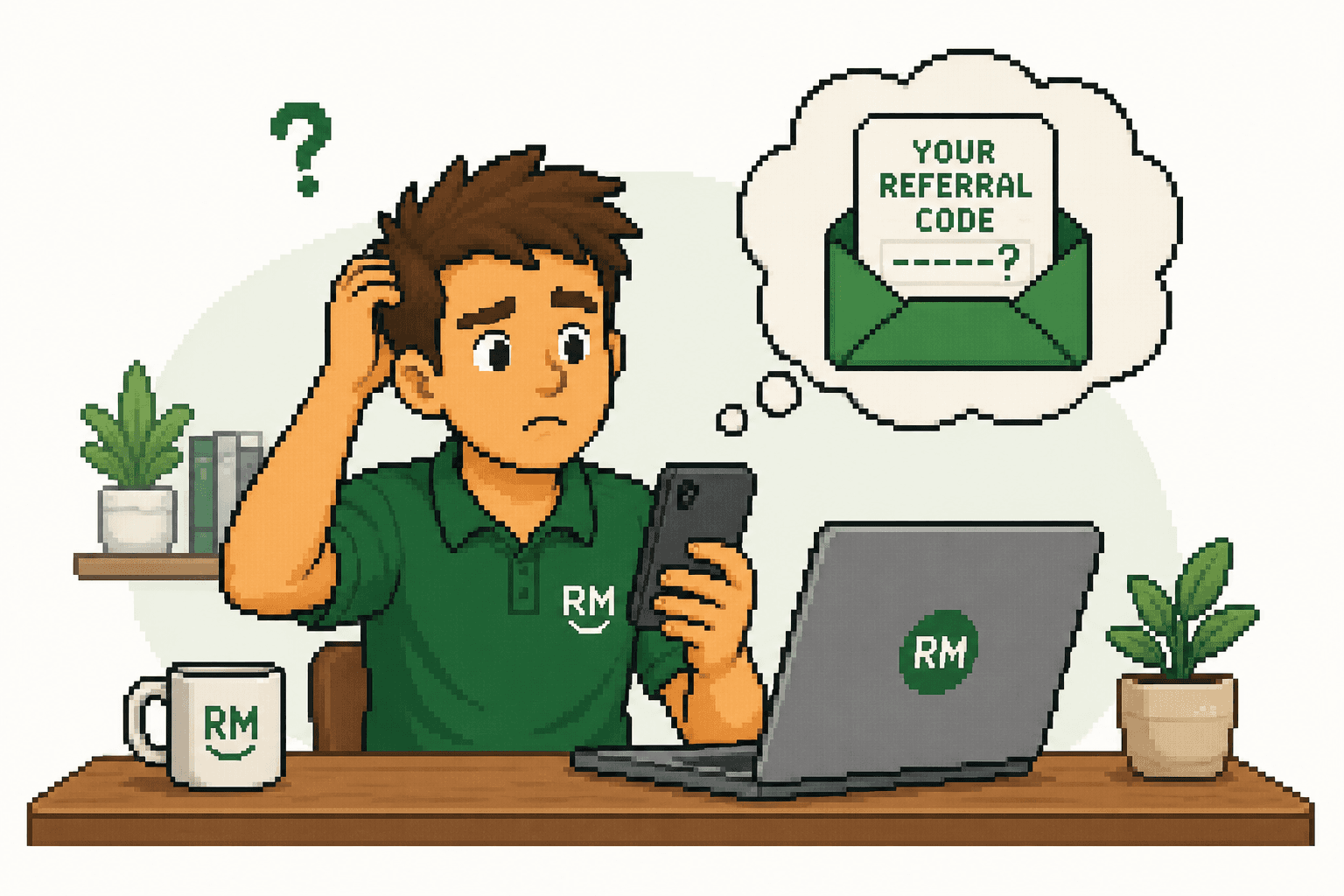
In many cases, a referral code cannot be added after signup because the referral must be tracked through a link or entered during registration. Some providers do allow a code before the first purchase, deposit or qualifying action. Check the app and contact support before completing anything further.
Browse this guide
Can you add a referral code after signing up?
The honest answer is: it depends on the provider. A missed referral code is easiest to fix when the account is new and no purchase, deposit or other qualifying action has occurred. Even then, the provider may be unable or unwilling to change the original signup attribution.
Some systems record the referral only when you open a unique link. Others show a field where you must enter the referral code during registration. A smaller group lets you enter a referral code after signup, usually within a short period or before the first transaction. Support can sometimes make a manual adjustment, but ReferralMate cannot guarantee that a bonus will be applied retrospectively.
| Situation | Likelihood it can be fixed | Best next step |
|---|---|---|
| The link had to be used before account creation | Low | Contact support before doing anything else, but prepare for the referral to be ineligible. |
| The code was required during registration | Low to moderate | Look for a post-signup field and ask support whether a manual review is available. |
| The code is allowed before the first transaction | Moderate to high | Enter it now or ask support before making a purchase, deposit or trade. |
| Tracking failed despite using the correct link | Depends on evidence | Send screenshots, timestamps and the referral link to support. |
| A qualifying action is already complete | Low | Ask support, but do not expect a retrospective bonus. |
| The offer or qualifying period expired | Very low | Check the dated terms and ask whether eligibility was locked in at signup. |
Important: Referral program rules can change. Check the provider's current terms and support guidance before relying on any offer.
What to do if you forgot to use a referral code
Act promptly and keep the account unchanged while you check your options.
- 1
Stop before the first transaction
Do not make a purchase, deposit, trade or other qualifying transaction until you know whether the referral can still be attached.
- 2
Check the app or website
Look in profile, rewards, promotions, invite, wallet or account settings for a place to enter a referral code after signup.
- 3
Contact customer support promptly
Explain when the account was created and confirm whether you have completed any qualifying activity. Faster contact gives support a clearer timeline.
- 4
Provide the referral link or code
Send the exact code or full link. Include the referrer's details only if support requests them and you have permission to share them.
- 5
Save screenshots and emails
Keep the offer page, code, signup confirmation and support response. These can establish what you saw and when you acted.
- 6
Do not create a duplicate account
Only create another account if support explicitly confirms in writing that it is permitted and explains the correct process.
Why a referral bonus may not have appeared
A referral bonus not received does not always mean the code failed. Rewards can remain pending while a provider checks eligibility or waits for a condition to be satisfied. Start with the offer terms and the account's rewards screen.
If the referral code was not applied at all, one of these common issues may explain why.
The referral link was not used
The account was created directly, so the provider never received the referral attribution.
The code was entered too late
The program required it during registration or before a particular step.
The customer was not eligible
Existing, former or otherwise ineligible customers may be excluded under the current terms.
A qualifying action is incomplete
The required purchase, deposit, trade, verification or other action has not been completed.
A threshold was missed
The transaction may not meet the minimum spend, deposit, holding period or account requirement.
The order was cancelled or refunded
A reversed transaction often stops or reverses the related reward.
Tracking failed
Cookies, an ad blocker, an app hand-off, private browsing or switching browser or device may interrupt attribution.
A program limit was reached
The referrer may have reached a reward, invite or campaign limit.
The offer expired
The link, campaign or time allowed for a qualifying action may have ended.
The bonus is still pending
Verification, settlement, a return window or a stated waiting period may still be in progress.
Household or device rules applied
Some programs restrict linked accounts, shared addresses, payment methods or devices.
For a broader explanation of qualification and payment timing, read How Referral Bonuses Work in Australia.
Referral link versus referral code
A unique referral link can pass an identifier to the provider automatically through the browser or app. A referral code normally requires you to type or paste a value into a specific field. Some programs use both, while others use only one method.
Opening a referral link and then switching device, browser or app can sometimes break tracking. Private browsing, cleared cookies or an ad blocker can also affect web attribution. If the provider asks where to enter a referral code, follow its current instructions rather than assuming the link alone is enough.
Referral and promotional offers are also not interchangeable. Read Referral Code vs Promo Code to compare who supplies each code, how it is tracked and who may receive the reward.
Should you create a new account?
No, not automatically. Deleting an account and immediately signing up again can create more problems than it solves. Providers may detect the same name, identity document, mobile number, address, device or payment method and treat the second registration as a duplicate account.
That can complicate identity verification, delay access or breach the program's terms of service. It may also make both accounts ineligible for a referral reward. Ask support first and keep its written response. If support permits a fresh registration, follow the exact closure and waiting instructions it provides.
How to contact support
Use the provider's official in-app chat, help centre or contact page. Be concise, factual and clear about whether any qualifying transaction has occurred. Avoid claiming the bonus is owed until support confirms eligibility.
Message template
Copy and personalise
“Hi, I recently created an account but realised that my referral code or referral link may not have been applied. I have not yet completed my first purchase, deposit or qualifying transaction. Could you please confirm whether the referral can still be added to my account? The referral code is [CODE].”
Replace [CODE] and adjust the transaction sentence if needed.
How to avoid this problem next time
A quick pre-signup check can reduce the chance of a referral code not working.
- Open the referral link on the device where you will finish signup.
- Temporarily disable an ad blocker if it may interfere with tracking.
- Complete signup in one browser session where practical.
- Take a screenshot of the offer, code and important conditions.
- Check that the referral code appears before submitting registration.
- Read the qualifying purchase, deposit and account requirements.
- Confirm that the offer and referral link are still current.
Check current offers before signing up
Referral terms differ across products and can change without notice. Use the Brands directory to view current listings, then confirm the provider's official conditions before creating an account.
Frequently asked questions
Check the offer before your next signup
Compare current referral listings, read the qualifying requirements and make sure the link or code is applied before you continue.
Browse current referral offersExisting customer eligibilityMore guidesBrowse categoriesBest offers